Evidence lives with the card
Attach files, links, checklists, code notes, and relationship context directly to the work instead of chasing proof across chat, email, and folders.
 BoardFlows
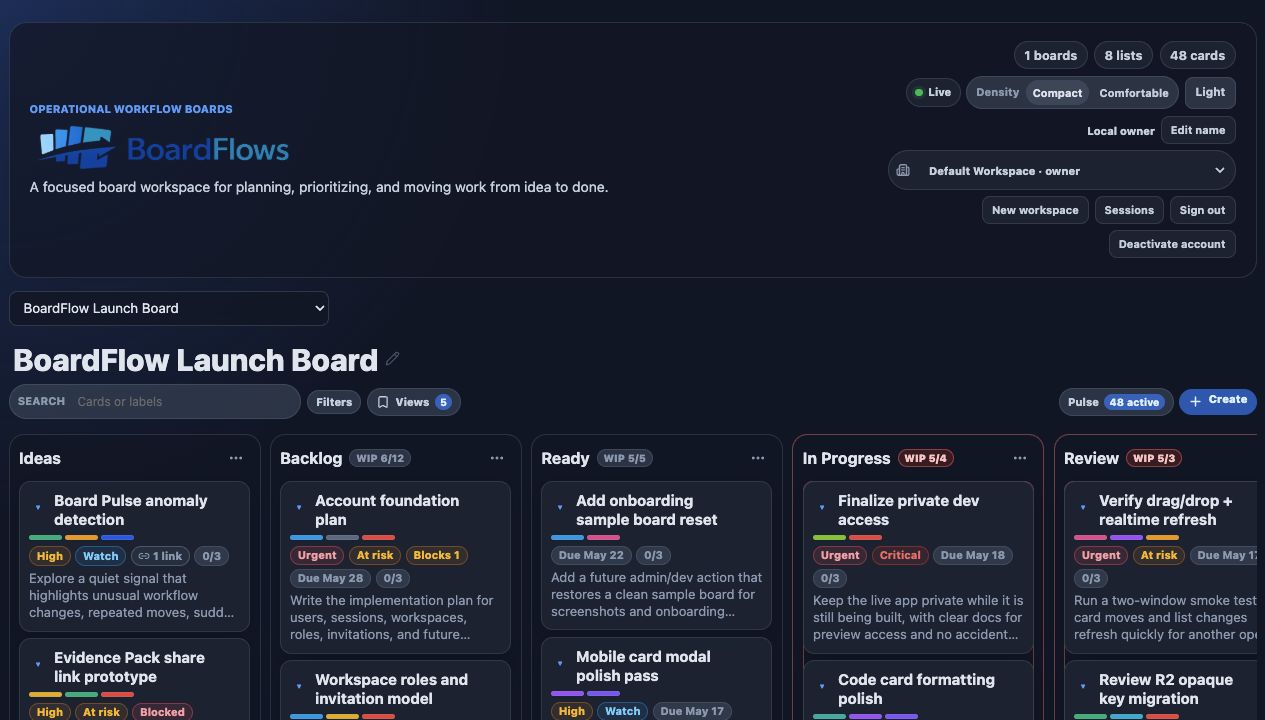
BoardFlows · Kanban plus evidence plus workflow memory
A focused workflow board that keeps evidence, activity, and decisions attached to the work, so teams can see what changed and explain what happened later.
What it does better than a normal board
Most boards show what is in progress. BoardFlows is designed to remember the evidence, access changes, sessions, and decisions around the work so the team can understand how it got there.
Attach files, links, checklists, code notes, and relationship context directly to the work instead of chasing proof across chat, email, and folders.
Review recent movement and card changes as a timeline when you need to understand why a task moved, stalled, or became blocked.
Copy a clean board summary with status, evidence, blockers, and activity so updates do not have to be rewritten from scratch.
Surface stale work, due-date pressure, blocked cards, evidence-heavy cards, and recent movement without building a separate report.
Owners, admins, members, and viewers get the right controls, with invite management and workspace actions hidden from roles that should not use them.
Magic links, invite acceptance, session controls, and sign-out flows keep invitation-only access easy to manage.
Owner/admin history records invites, renewals, revokes, acceptances, role changes, removals, leaves, and account deactivation events.
Last-owner protection, account deactivation guardrails, active session review, and early-access controls keep the product careful while it grows.
Board Pulse
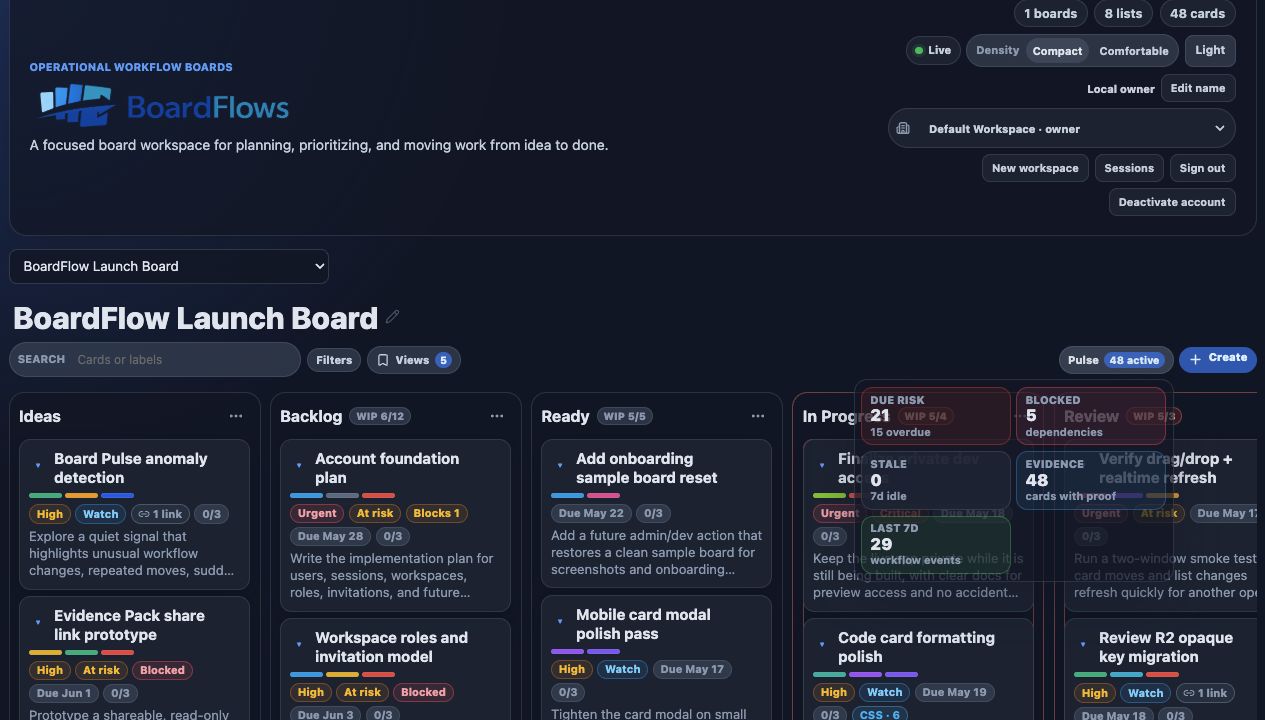
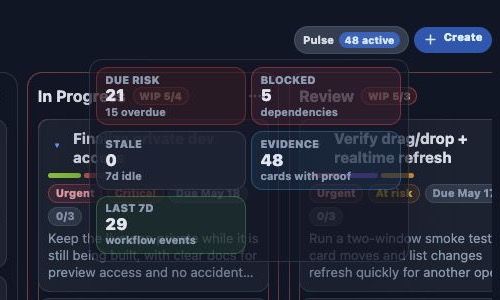
Pulse opens from the board controls and turns due risk, blockers, stale work, evidence-heavy cards, and recent movement into focused views the team can act on.
Workflow memory
A normal board tells you where work is now. BoardFlows also keeps the evidence, risk signals, and event history needed to explain how it got there.
Every list change stays attached to the card instead of disappearing into the board.
Files, links, snippets, and checklist state remain part of the same operational record.
Due risk, blockers, staleness, and evidence density become focused views.
Pulse focus ready
The team can reconstruct the sequence or copy a concise board brief.
The card can answer what happened, why it changed, and what proof belongs with it.
Where BoardFlows fits
BoardFlows stays compact at the board level while each card carries the evidence and movement history needed for a clean operational handoff.
Keep the alert, investigation evidence, fix notes, and movement history attached to the work while an incident changes hands.
Pair each deliverable with files, review checkpoints, due dates, and its activity trail so the team can show what changed before delivery.
Keep code snippets, QA evidence, dependencies, risk signals, and release movement together when the team needs to reconstruct what shipped.
Security & trust
BoardFlows is invitation-only. The controls below are active now, with broader public access intentionally held back.
Invitation only · controls active nowOne-time sign-in links expire quickly, cannot be reused, and avoid shared workspace passwords.
Owner, admin, member, and viewer roles control who can manage access, edit boards, or stay read-only.
Workspace invitations expire and can be renewed or revoked, with last-owner protections around sensitive membership changes.
Signed-in users can review device and network context, revoke another session, or close every other active session.
Access changes, invitation events, role updates, member removals, leaves, and account deactivation remain visible to workspace managers.
Files are delivered through the app with safer preview rules, while realtime board connections require workspace access and short-lived capabilities.
Files, links, decisions, and checklist details live with the card instead of drifting into side channels.
Activity history, workflow replay, and board briefs help teams understand why work moved or stalled.
Passwordless login, workspace roles, invites, session controls, and account lifecycle guardrails are part of the foundation.
Invitation only
BoardFlows is invite-only while the account and workspace foundation hardens. Share where you would use it, and we will follow up when the next preview seats are ready.